
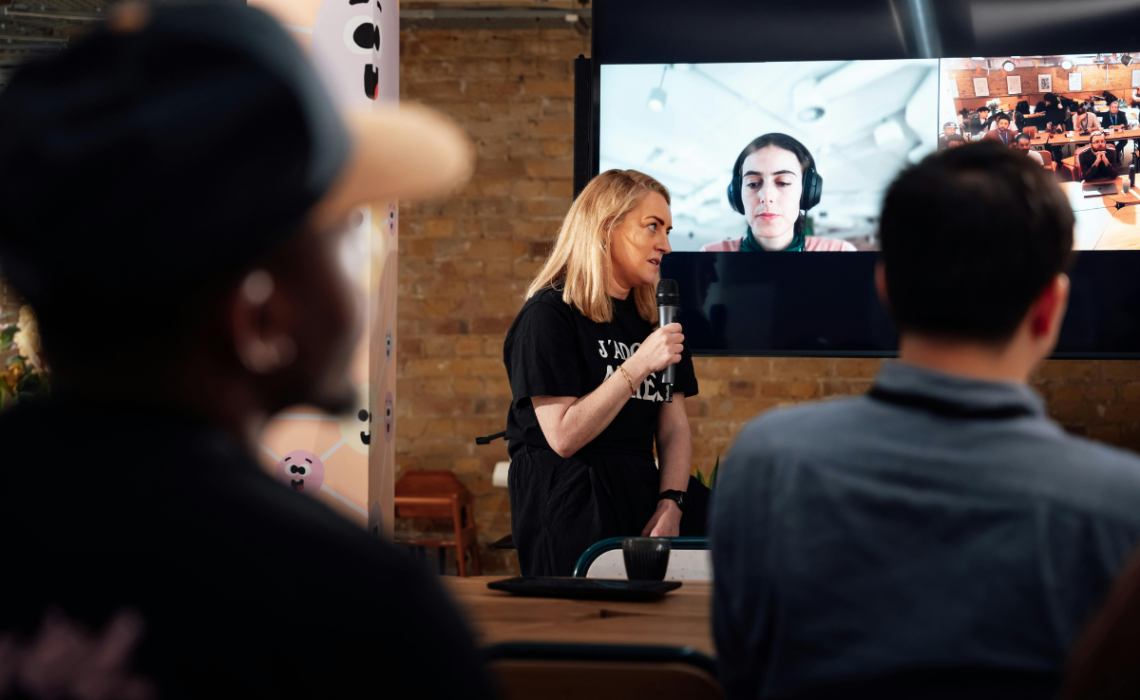
Corporate events have certainly demanded creativity, flexibility, and quick thinking in the last several years: COVID requiring once-in-person-only events to go virtual (or be cancelled completely); incorporating virtual and in-person elements; adding sustainability initiatives; rising costs; and the demand for uniqueness. It’s been a journey for event planners, and it’s not likely to slow down anytime soon.
Next up? AI. When used strategically, AI can help event planners streamline logistics, personalize programming, improve attendee experience, and simplify operations. However, when it’s used poorly, it becomes a distraction that adds unnecessary complexity that does little to solve problems.
So what exactly does this look like? Keep reading for some tips and tricks for how you can use AI when planning your next corporate event, conference, or meeting.

Before the Event
Planning, Promotion, and Preparation
Some of the most impactful uses of AI come long before attendees arrive. During the planning stage, AI helps planners make better decisions, reduce manual work, and prepare for a successful event. Here are a few things you can use AI to do before your event:
Marketing and Outreach
Use AI-powered platforms like HubSpot, Mailchimp, and ActiveCampaign to manage your event promotion more strategically by:
- Segmenting audiences by interest and behavior
- Optimizing email timing
- Personalizing subject lines and messaging
- Predicting registration trends
These platforms also allow you to create landing pages, sales funnels, and automations that may not be available in your event registration software. Personalization (based on interest and behavior) can help improve email open rates, boost your attendance, and reduce confusion.
Event Design and Vendor Planning
You can also use AI to support event conceptualization, development, and even vendor selection.
If you have data from similar past events – like attendance data, session feedback and suggestions, lessons learned/post-mortem notes, and industry trends – you can run it through tools like ChatGPT or CRM platforms to help you:
- Identify high-interest topics
- Build relevant agendas
- Compare venues and vendors
- Anticipate staffing and resource needs
With this analysis, you can design programming and partnerships that are based on real data rather than assumptions. AI can also quickly pull out correlations and suggestions that may not be as obvious.
Timeline, Budget, and Operations Management
Corporate events involve multiple timelines, approvals, and moving parts. And AI can help streamline the process.
Platforms like ClickUp and Monday.com use AI features to help teams:
- Prioritize tasks
- Identify scheduling risks
- Forecast costs and staffing needs
- Coordinate internal stakeholders
These systems help planners stay organized and minimize last-minute disruptions, especially for multi-day conferences and large meetings.

During the Event
Registration, Personalization, and Engagement
Hooray! You made it. The event is here and it’s time to see the fruits of your labor. AI can play a significant role in shaping your attendees’ experiences. From check-in and session participation to scheduling and navigation, there are some excellent tools to help keep attendees engaged.
Registration and Check-In
Check-in is often the first real interaction attendees have with an event. A seamless experience gets the event started on the right foot, but a chaotic process can create frustration and confusion.
There are plenty of AI-powered registration platforms that can help streamline the arrival and access processes. You can incorporate tools like QR code scanning, facial recognition (please make sure to obtain consent for this on a registration form), or self-check-in via an app. Platforms such as EventMobi and Swapcard allow guests to check in quickly, reducing wait times and confusion.
The result is:
- Shorter lines
- Faster badge pickup
- Improved security
- Less pressure on on-site staff
When arrival is smooth and efficient, attendees can focus on getting started with the experience itself rather than logistics.
Personalized Attendee Experiences
Personalization is one of the best things about AI. Event apps like Whova and Brella can recommend sessions, speakers, and networking opportunities based on attendee profiles and behaviors. These capabilities allow attendees to create a customized agenda without having to review every description.
To enhance the experience for attendees who may be hearing-impaired or not fluent in the primary language, translation and captioning tools like Otter.ai and Wordly can improve accessibility.
Engagement and Hybrid Support
Have some FAQs coming at you? Load them into a chatbot so attendees can get answers in real time. Want instant feedback during a session? Use tools like Slido or Mentimeter to add polls, Q&A, or chat activities.
You can also use AI to make hybrid and virtual attendees feel more incorporated into the event. Tools like Zoom Events, RingCentral Events, and ON24 use AI to:
- Highlight key moments
- Optimize camera views
- Suggest relevant sessions
- Balance in-person and remote experiences
After the Event
Insights, Reporting, and Return on Investment
Phew! You’re done! And hopefully your event was a great success. Now it’s time to turn that feedback and data into actionable insights, long-term assets, and plans for the future.
Automated Reporting and Analytics
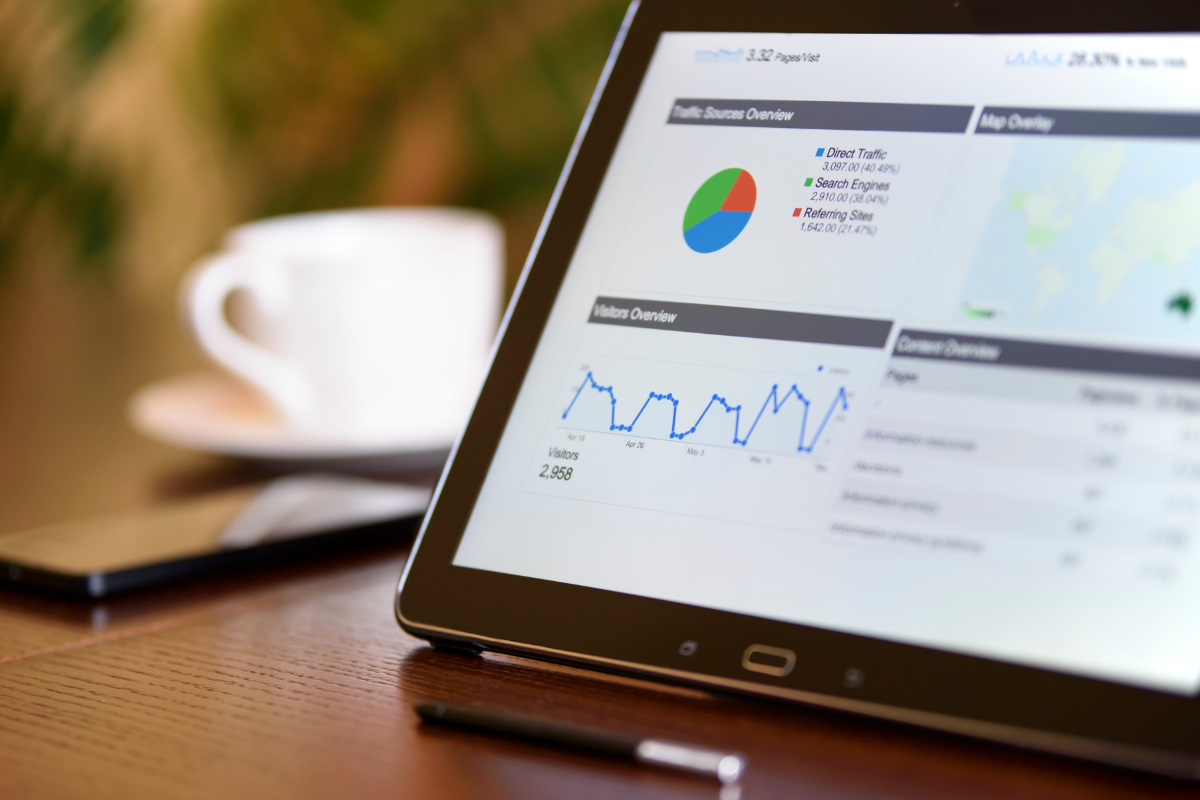
Event platforms can generate detailed reports covering:
- Attendance patterns
- Session performance
- Engagement levels
- Sponsor visibility
- Lead quality
- Session feedback
These summaries make it easier to demonstrate ROI to leadership and clients. It can also help planners capture trends and issues without having to read through every single comment.
Content Repurposing and Knowledge Sharing
This is a great opportunity to partner with your marketing team for some content creation. AI can transform recorded sessions, presentations, or scripts into things like:
- Blog posts
- Podcast topics
- Social media posts
- Training materials
- Marketing clips
- Sales presentations
- Internal resources
Don’t let that content retire – keep sharing the wealth!

Best Practices for Using AI in Corporate Events
You shouldn’t use AI just for the sake of using AI. It should be used with purpose to support the human side of event planning and management. You should always:
Maintain the Personal Touch
Technology should enhance the experience, not replace it.
Be Transparent
Let attendees know you’re using AI, and be up front about how the tools and data will be used. Remember, you may need to obtain consent!
Protect Attendee Privacy
In today’s world, companies are experiencing data breaches left and right. Make sure you’re working with vendors and software that have privacy protections in place.
Test Before Launch
It goes without saying: you absolutely must test these technologies before putting them out there. AI should be there to make an experience better, not complicate it further.
Conclusion
AI shouldn’t be the main attraction. It should work quietly in the background, helping planners stay organized, personalize experiences, and make better decisions. When used intentionally, and somewhat sparingly, these tools give planners more time to focus on what’s most important: being present, building relationships, and creating memorable experiences.
Great events are still built on strong planning, clear communication, and real human connection. AI just helps you do all three a little bit better.
Kadi McDonald is a freelance writer, marketing strategist, and proud Cleveland sports fan.